
Microsoft Windows Unveils AI-Powered Security Enhancements
Microsoft Enhances Windows Recall to Address Security Concerns
Microsoft has taken steps to address security concerns surrounding its new AI feature for Windows, known as “Recall,” which had previously received criticism from tech experts.
Announced at the Microsoft Build 2024 developer conference in Seattle, Recall allows users to search through their PC history to find documents, messages, and more. According to Tom’s Guide, the feature captures images of your desktop every few seconds, analyzes them with AI, and makes the data searchable using natural language.
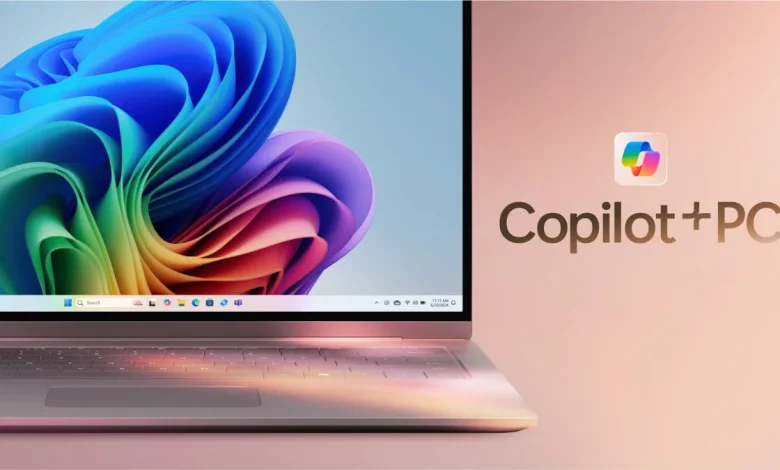
Following the announcement, experts expressed concerns about potential security risks associated with this feature. In response, Microsoft made adjustments before releasing this feature with Copilot Plus PCs, which were set to launch on June 18.
Initially, Microsoft intended for Recall to be enabled by default. However, the company now plans to offer users the option to turn off the AI-powered feature during the setup process of new Copilot Plus PCs.
“If you don’t proactively choose to turn it on, it will be off by default,” stated Windows chief Pavan Davuluri.
How to Turn Off Windows Recall
Turning off Windows Recall is simple:
- Open the Settings app.
- Navigate to Privacy & Security > Recall & Snapshots.
- Toggle off the “Save Snapshots” option to eliminate security concerns related to Recall.
If you wish to delete all snapshots that Recall has saved on your PC, you can do so from the same menu by clicking the “Delete All Snapshots” button.


