
Android Motion Assist could ease car sickness on your phone

NEWYou can now listen to Fox News articles!
Ever tried to answer a text from the passenger seat and felt your stomach turn before you reached the second line? For people prone to motion sickness, a phone can go from useful to unbearable fast.
Google is now rolling out a great Android tool designed to make that screen easier to tolerate while the vehicle moves. It is called Motion Assist, and it places animated dots around the edges of your screen that react to the motion of the vehicle.
Apple has offered a similar feature, Vehicle Motion Cues, since iOS 18 arrived in 2024. Google began working on its own version around the same time. It originally appeared under the name Motion Cues before Google renamed it Motion Assist. Now some Pixel owners are starting to see the finished feature on phones running Android 17.
Missed CyberGuy LIVE? Watch the Protect Your Money replay
Our free CyberGuy LIVE class, Protect Your Money From Today’s Biggest Threats, has ended, but you can still watch the full replay and download our financial protection checklist. Kurt “CyberGuy” Knutsson walks you through five simple ways to help defend yourself against AI scams, fraud, identity theft and financial hacks. You’ll learn how to set up bank alerts, strengthen your account logins, protect your phone number, freeze your credit and help secure your retirement savings against unauthorized transfers. No technical experience is needed.
Get the free replay and checklist now at CyberGuyLive.com
SAMSUNG GALAXY Z FOLD8 LINEUP ADDS THREE CHOICES
Google is rolling out Motion Assist, a new Android feature that uses animated screen cues to help reduce motion sickness for passengers using their phones in moving vehicles. (NickyLloyd via Getty Images)
Why looking at your phone can make you feel sick
Your eyes may tell your brain that you are sitting still and staring at a steady screen. Meanwhile, your inner ear can feel the car moving underneath you.
Those mixed signals can trigger motion sickness. The CDC says it can happen when what you see does not match the movement your body feels, which can leave you nauseous or dizzy.
Reading a text or scrolling through your phone can make things worse because your eyes stay focused on a screen that appears still while the car keeps moving.
How Android Motion Assist works
Motion Assist gives your eyes another visual clue. Small shapes appear around the edges of the display while you continue using the app in the middle of the screen.
Your phone uses motion sensors, including its accelerometer and gyroscope, to follow changes in the vehicle. As the car turns or changes speed, the on-screen cues move along with that motion.
The goal is to give your eyes information that lines up more closely with what your body feels. That may reduce the sensory mismatch that can leave you reaching for the window button.
Google’s version also gives you control over the look of the cues with options for shape, size, color and opacity. You can also have Motion Assist activate automatically when your phone detects that you are traveling in a moving vehicle.
Android Motion Assist is rolling out slowly
Here is the frustrating part. You may have Android 17 and still come up empty when you look for Motion Assist. So far, the feature has appeared on select Pixel phones running Android 17. This seems to be a staged rollout rather than a single switch flipped for everyone at once.
The feature appears to arrive through Google Play services rather than through a separate Motion Assist app. Google explains that its system services can deliver new features separately from the main Android operating system update. Google has yet to publish a dedicated Motion Assist support page or a complete list of supported Android phones. So, for now, Android 17 alone may still leave you waiting.
12 BIGGEST APPLE WWDC 2026 TAKEAWAYS YOU NEED TO KNOW
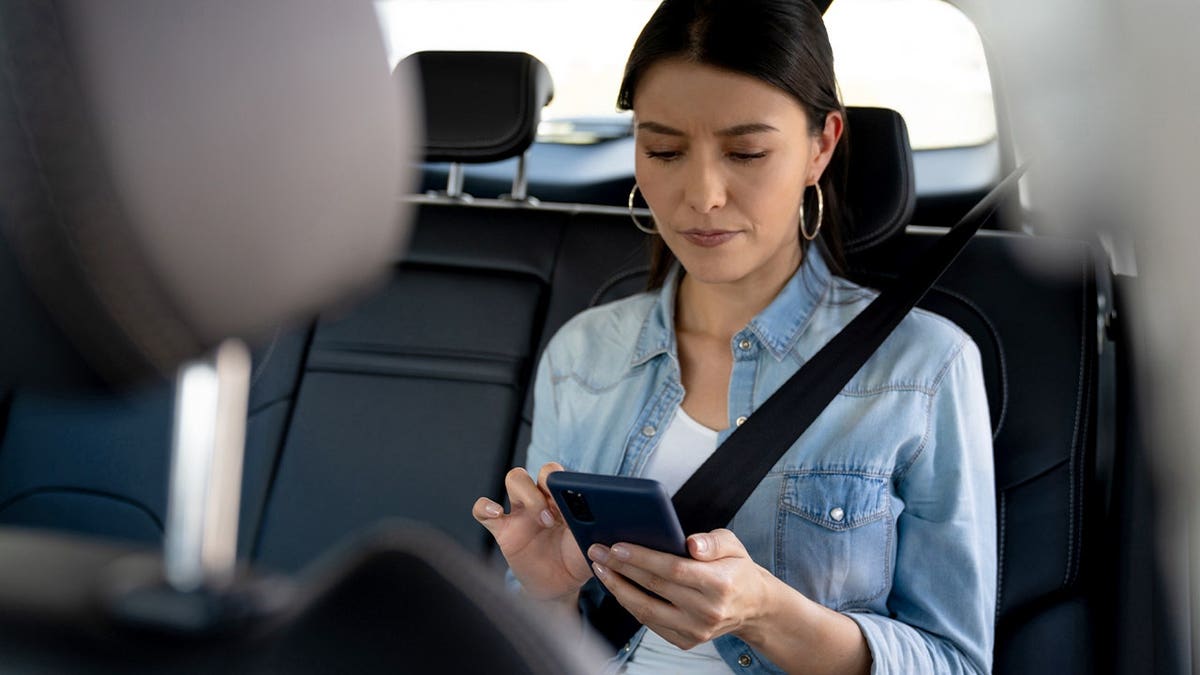
Android users may soon get a built-in way to make reading or texting in the car more comfortable with Google’s new Motion Assist feature. (Hispanolistic via Getty Images)
How to turn on Motion Assist on Android
If Motion Assist has reached your Pixel, here is where to look:
- Open Settings.
- Tap your Google profile at the top.
- Tap All services.
- Scroll down to Personal & device safety.
- Tap Motion Assist.
- Turn on Start in a moving vehicle if you want Motion Assist to activate automatically when your phone detects that you are riding in a moving vehicle.
You can also add a Motion Assist tile to Quick Settings so you can turn the feature on or off manually.
Motion Assist also lets you customize the color, shape and opacity of the on-screen cues. A Randomization option can automatically vary those settings.
If you do not see Motion Assist, that does not necessarily mean anything is wrong with your phone. Google appears to be rolling out the feature in stages, and it is still missing from some Pixel phones running Android 17.
What to do if Motion Assist is missing
If you do not see Motion Assist on your Pixel, first make sure your phone is up to date. To check for the latest Pixel software, go to Settings > System > Software updates and install any available update.
Then check your Google Play system update. Go to Settings > Security & privacy > System & updates > Google Play system update. Install any available update and restart your phone if prompted.
However, updating your Pixel may not make Motion Assist appear right away. As mentioned above, Google appears to be rolling out the feature gradually. So, if your phone is fully updated and Motion Assist remains missing, you may simply have to wait for Google to enable it on your device.
How to turn on Vehicle Motion Cues on iPhone
If you have an iPhone, Apple already offers its version of the same idea.
Here is how to turn on Vehicle Motion Cues:
- Open Settings.
- Tap Accessibility.
- Tap Motion.
- Tap Vehicle Motion Cues.
- Choose Automatically in Vehicle if you want your iPhone to turn the feature on when it detects that you are riding in a moving vehicle.
You can also choose On when you want the cues displayed continuously.
Apple lets you customize the pattern and color. You can also change the size or number of dots shown around the screen. Apple says the feature works best when you are seated facing forward. One important safety note: use this as a passenger feature. Apple warns against using Vehicle Motion Cues while operating a moving vehicle.
ANDROID FAKE CALL DETECTION WARNS YOU ABOUT SCAMS

Google’s Motion Assist uses your phone’s motion sensors to display moving dots that may help reduce the sensory mismatch linked to motion sickness. (Baona via Getty Images)
Will moving dots really help motion sickness?
The idea may sound almost too simple, but it targets the sensory conflict linked to motion sickness. Still, everyone responds differently. Apple describes Vehicle Motion Cues as a feature that may help reduce motion sickness. Google uses similar language for Motion Assist.
Think of the moving cues as another tool you can try rather than a guaranteed fix. If the screen still makes you feel sick, put the phone down and look toward the horizon. The CDC includes looking at the horizon among its strategies for reducing motion sickness.
Another option is to listen instead of looking at your phone. We have a step-by-step guide showing how to get your phone to read articles aloud on both iPhone and Android at Cyberguy.com.
Why this Android feature is worth checking
A row of moving dots may sound like a tiny phone feature until you are the person who cannot answer a message from the back seat without feeling queasy.
That is what makes Motion Assist interesting. Google is trying to solve a very ordinary problem using sensors already inside your phone. You need no extra app or accessory.
If the feature works for you, a car ride could become a chance to catch up on messages or read something longer without immediately regretting it.
Kurt’s key takeaways
I like phone features that solve an annoyance you feel in everyday life. Motion Assist falls squarely into that category. If you get motion sickness, I would try the automatic setting as soon as it appears on your Pixel. There is very little effort involved, and you will know quickly whether the moving cues help you. iPhone owners already have a similar option hiding in Accessibility. That is also a good reminder to explore those settings from time to time. Some of the most useful features on your phone can sit there unnoticed for months.
Would moving dots on your screen make you more willing to use your phone during a car ride, or would you rather put the phone away completely? Let us know by writing to us at Cyberguy.com
Sign up for my FREE CyberGuy Report
- Get my best tech tips, urgent security alerts and exclusive deals delivered straight to your inbox.
- For simple, real-world ways to spot scams early and stay protected, visit CyberGuy.com – trusted by millions who watch CyberGuy on TV daily.
- Plus, you’ll get instant access to my Ultimate Scam Survival Guide free when you join.
CLICK HERE TO DOWNLOAD THE FOX NEWS APP
Copyright 2026 CyberGuy.com. All rights reserved.
Source link


